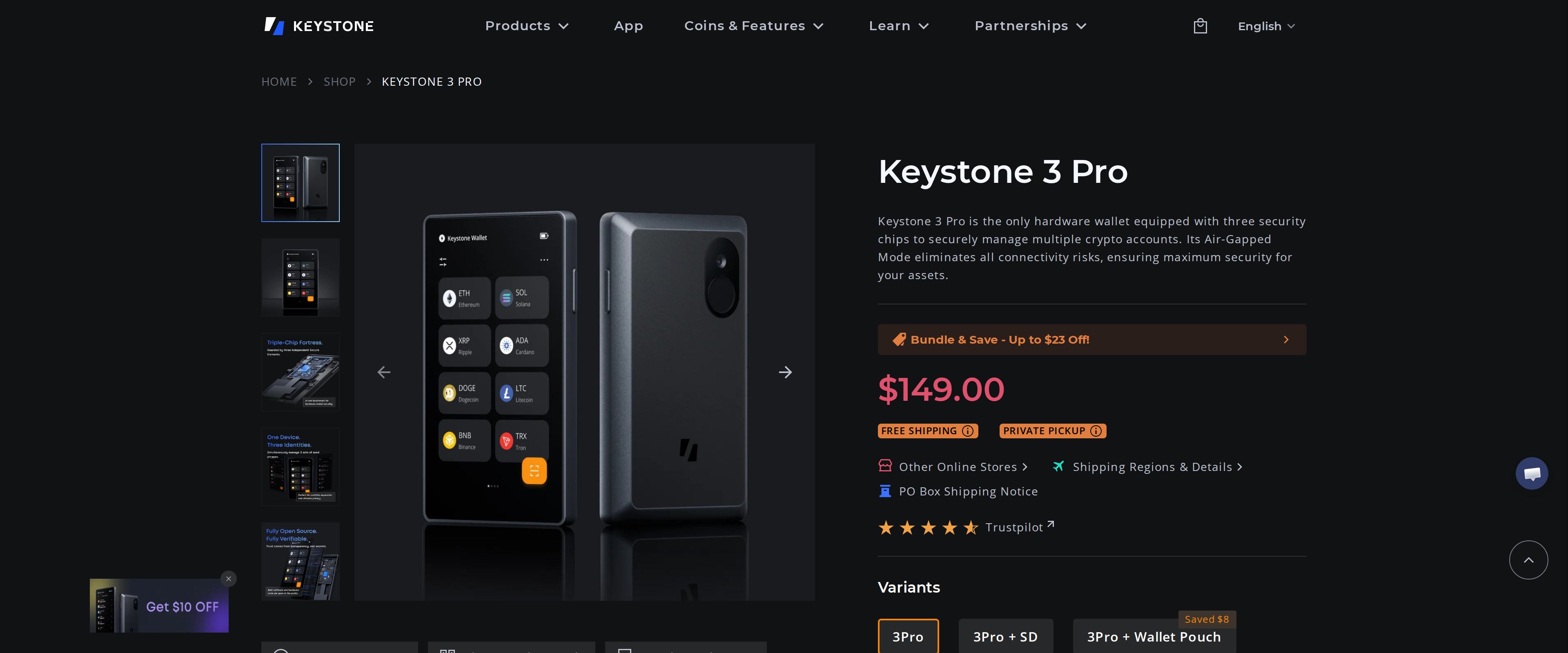
Keystone 3 Pro Review: Air-Gapped Security Without USB or Bluetooth
Keystone 3 Pro signs every transaction through a scanned QR code instead of a cable or wireless link. We paired it with MetaMask for three weeks to see if that extra step is worth the $149.
7.8out of 107.8
Our verdict
Keystone 3 Pro removes the entire USB and Bluetooth attack surface that other hardware wallets accept as a cost of convenience, and its official MetaMask partnership means the QR-code workflow is genuinely supported rather than bolted on. The tradeoff is real: every transaction takes two scans instead of one tap, and that friction will bother a trader who signs dozens of transactions a day. For anyone who touches DeFi through MetaMask regularly but does not need USB-speed signing, it is the strongest air-gapped option we have tested.
Best for: MetaMask and DeFi users who want zero wireless or cable attack surface and can accept a slower, two-scan signing process
No cable, no radio, and that is the whole design
Most hardware wallets plug into a computer over USB or pair over Bluetooth, and both of those are attack surfaces a determined attacker can target. Keystone 3 Pro removes both: it moves signed data in and out through scanned QR codes and an optional microSD card, never a wire or a wireless signal. We bought one for $149, paired it with MetaMask for three weeks, and used it for actual DeFi transactions to find out whether that isolation is worth the extra steps it demands. The question we kept coming back to was practical rather than theoretical: does removing every wireless and wired attack surface survive contact with the way people actually sign transactions day to day, or does it only work as a demo?
The workflow: scan, check, scan back
Signing a transaction on Keystone 3 Pro means MetaMask generates a QR code, the Keystone camera reads it, the device's 4-inch touchscreen displays the full transaction details for you to check, and after you approve, the Keystone displays a second QR code that MetaMask scans to complete the broadcast. Two scans per transaction, every time. For an occasional send or a monthly DeFi position this barely registers. For someone signing a dozen contract interactions in a session, it adds up, and it is genuinely slower than tapping a USB-connected Trezor Safe 5 or Ledger.
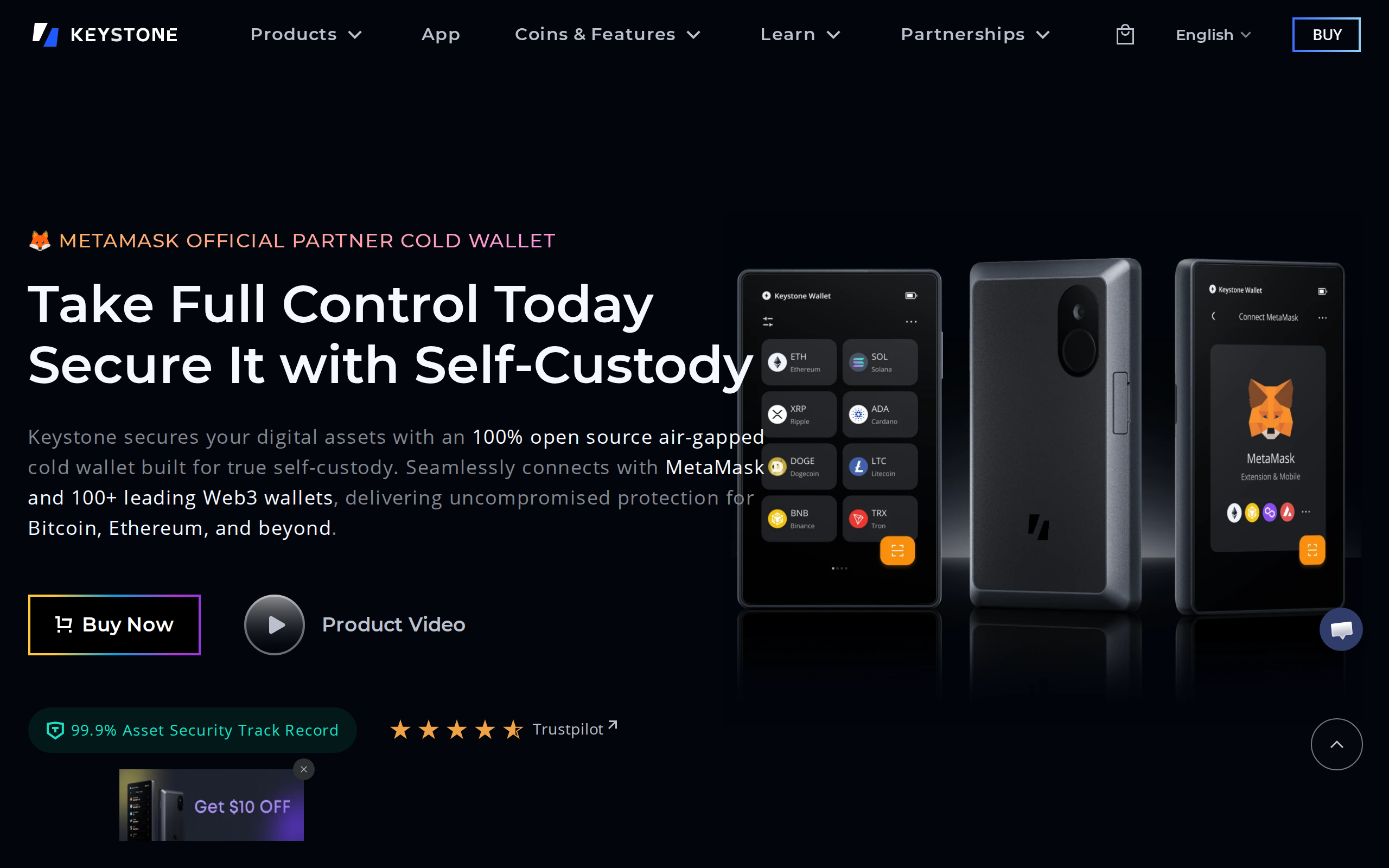
Keystone's homepage, leading with its official MetaMask partnership
What that screen is actually protecting against
The touchscreen is not decoration. Before you approve anything, Keystone renders the transaction's real content, not just a hash, which is the defense against blind signing, the exploit where a malicious contract shows you an innocent-looking prompt while requesting a very different transaction. We tested this against a deliberately vague-looking smart contract interaction and the Keystone screen surfaced the actual function call, which MetaMask's own extension prompt did not spell out as clearly on its own.
MetaMask support is official, not a workaround
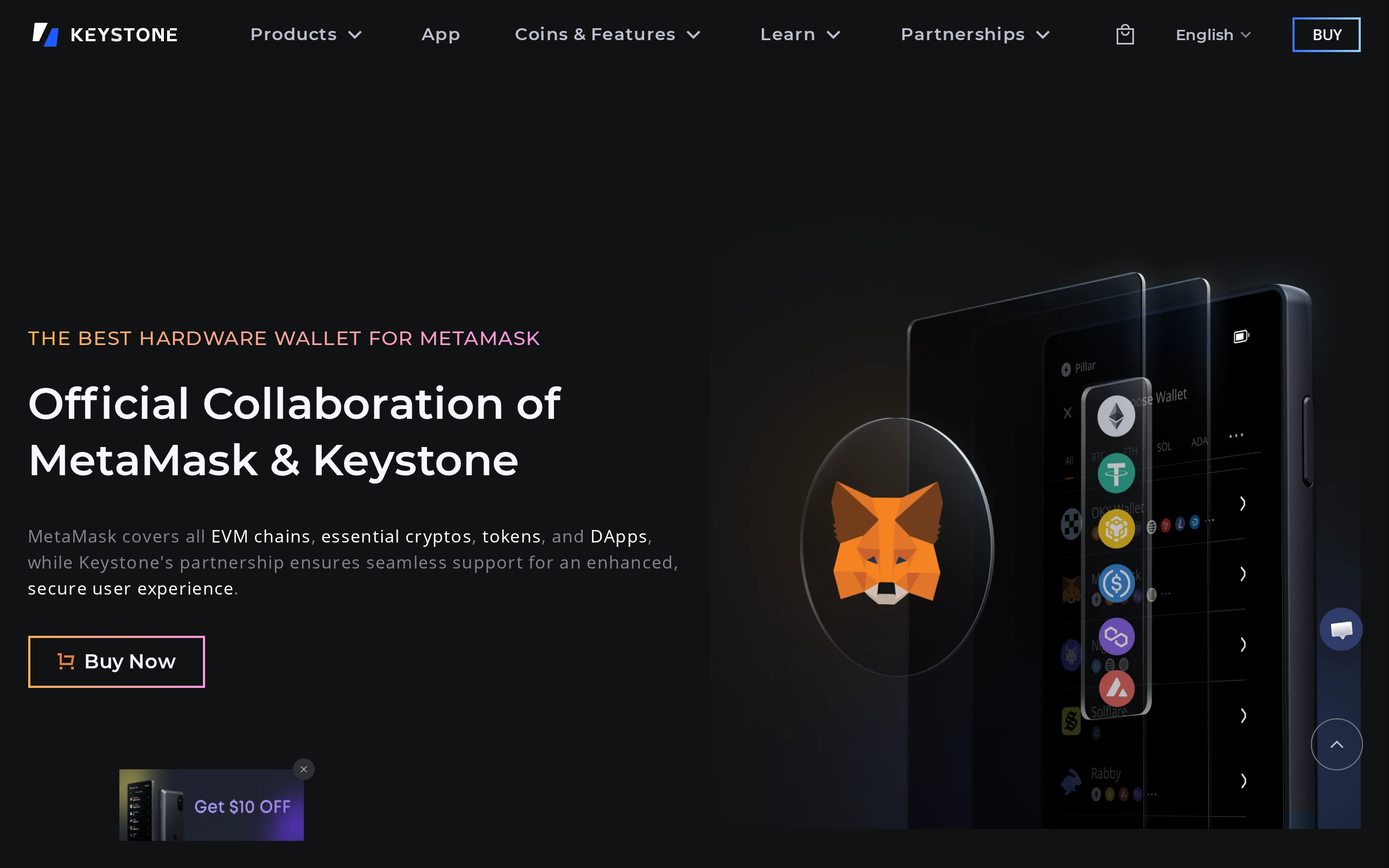
Keystone struck a formal partnership with MetaMask, and the result is that Keystone 3 Pro is the only hardware wallet officially integrated with MetaMask Mobile, alongside full support in the browser extension. That matters more than it sounds: air-gapped wallets from smaller makers often rely on community-built bridges that break when either app updates. Keystone's status as an official partner means the QR workflow gets maintained on both sides, and in three weeks of use we hit no compatibility issues across an extension update on the MetaMask side.
Keystone's dedicated page on its official MetaMask collaboration
Coverage and the security hardware underneath
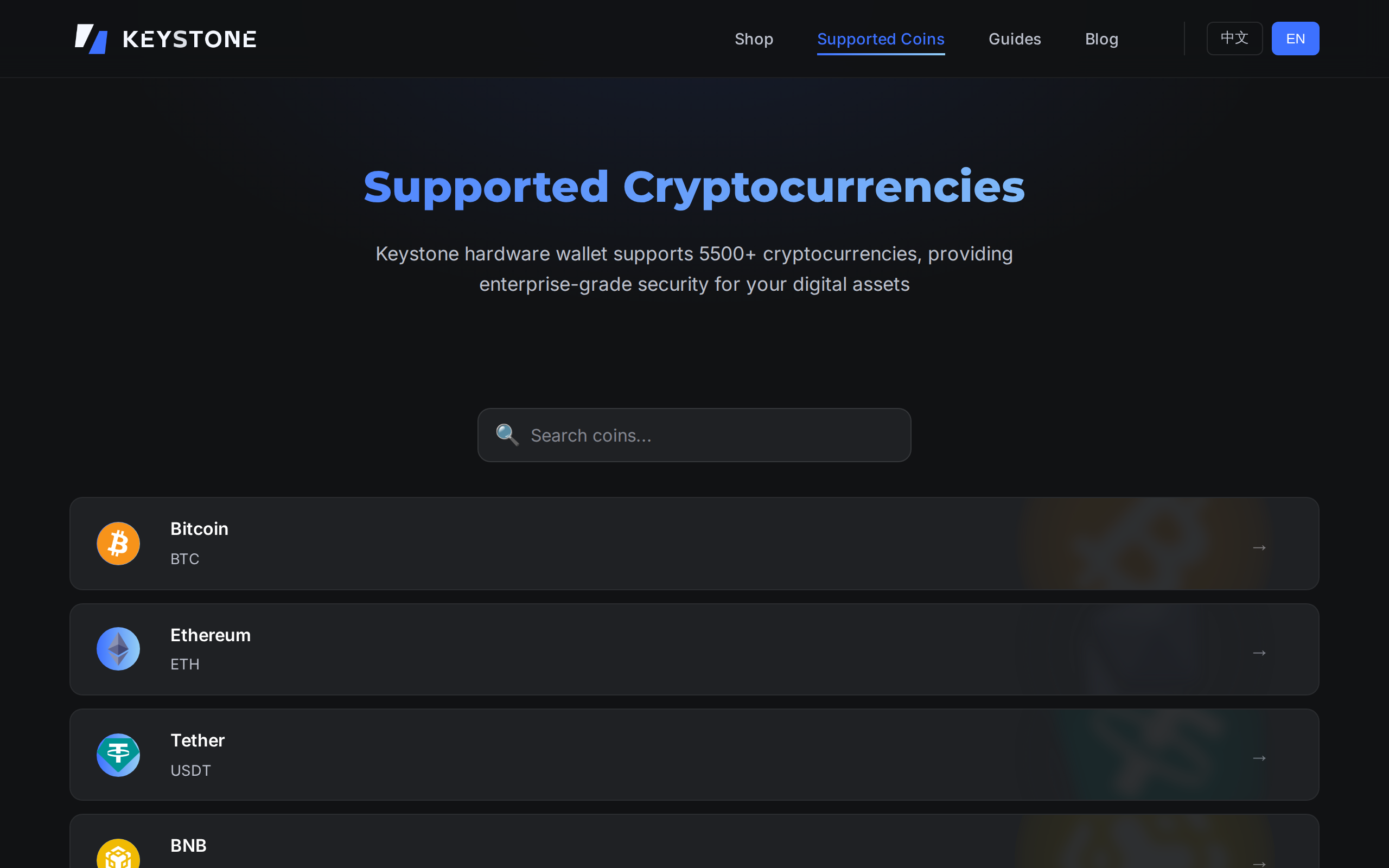
Keystone 3 Pro supports more than 5,500 coins and tokens and pairs with over 45 software wallets beyond MetaMask, including OKX Web3, Rabby and Solflare, so it is not a MetaMask-only device even though that is its strongest integration. Underneath, three independent secure element chips isolate private key storage, fingerprint unlock brings the device out of sleep in about half a second, and the firmware and hardware design are both open source, meaning anyone can audit the code that runs on it rather than trust Keystone's word alone. It also supports Shamir Backup and multisig setups for anyone who wants key redundancy beyond a single seed phrase.
Keystone's supported cryptocurrency page, listing coverage across chains
Setup and recovery, tested end to end
We wiped the device and ran through initial setup twice, once generating a fresh seed on the device and once restoring from an existing seed phrase written on paper. Both processes stayed entirely on the Keystone screen; at no point does a seed phrase or private key touch a computer or phone, which is the core promise of an air-gapped device and the one that USB wallets partially compromise the moment they connect. The Shamir Backup option, which splits a seed into multiple shares so no single piece of paper holds the whole key, took longer to configure than a standard 24-word backup but produced a recovery scheme we were comfortable storing across two separate locations.
Who should skip it
If you sign transactions constantly through the day, the two-scan process will grate, and a USB wallet will serve you better. The 4-inch screen and triple secure element setup also make it bulkier than a USB stick, which matters if pocket size drives your buying decision. Neither of those is a flaw in what Keystone set out to build; they are the direct cost of the isolation it delivers.
Verdict
Keystone 3 Pro is the most complete air-gapped hardware wallet we have tested for a MetaMask-centric DeFi user, backed by an official partnership rather than a third-party bridge, and its screen genuinely reduces blind-signing risk. The two-scan workflow is a real cost for high-frequency traders, but for anyone who values eliminating cable and wireless attack surface over shaving seconds off each signature, it earns its $149. We rate it 7.8.
What we liked
Fully air-gapped: QR codes and microSD only, no USB, Bluetooth or WiFi
Official MetaMask Mobile and Extension partner, the only hardware wallet with that status
Shows full transaction details on screen before signing, guarding against blind signing
Open source hardware and firmware, auditable by anyone
What held it back
Two-scan QR workflow adds real friction to every single transaction
Slower than USB-connected wallets like Trezor Safe 5 for high-frequency use
4-inch touchscreen and three secure elements add bulk versus a slim USB stick
$149 sits above entry-level competitors that use one secure element
Specs
Price
$149
Connectivity
QR code and microSD only, fully air-gapped
Screen
4-inch full-color touchscreen
Secure elements
3 independent chips
Coins supported
5,500+
Compatible software wallets
45+, including MetaMask, OKX Web3, Rabby, Solflare