Trezor Safe 3 Review: A $59 Wallet With No Real Security Gap
We set up a Trezor Safe 3, moved a first serious balance onto it and priced it against Ledger's lineup. At $59 after a mid-2026 price cut, the same EAL6+ secure element as far pricier devices makes the budget tier the one to buy.
Our verdict
The Trezor Safe 3 is the device we would tell a first-time buyer to start with. It carries the same Common Criteria EAL6+ certified secure element as Trezor's pricier Safe 5 and Safe 7, runs fully open-source firmware that outside researchers can actually audit, and at $59 costs less than a casual dinner out. The two-button, low-resolution screen is the one real compromise against Ledger's touchscreen models, and it will not bother anyone who mainly needs to confirm addresses and amounts. Buy this over a $129 or $249 device unless a touchscreen genuinely matters to you.
Best for: First-time buyers storing a serious crypto balance without paying for a touchscreen
A reader asked us which hardware wallet to buy for a first serious deposit, the kind of balance where losing the keys would actually hurt. We set up a Trezor Safe 3 to answer that question properly instead of pointing at a spec sheet.
The chip that matters is the same one in the $249 model
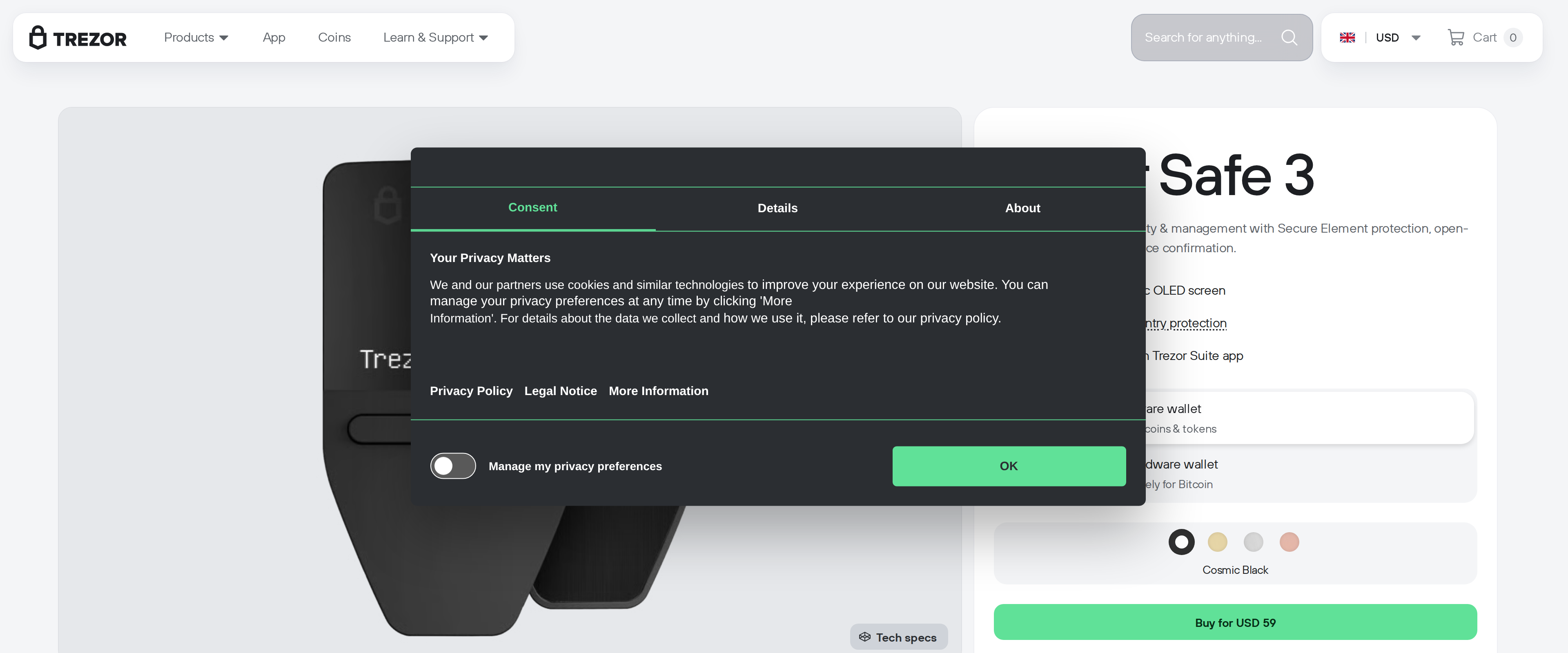
Trezor's whole lineup runs from the Safe 3 up to the Safe 7 at $249, and the temptation is to assume the cheapest one cuts a real security corner. It does not. The Safe 3 carries a Common Criteria EAL6+ certified secure element, the identical certification level Trezor uses in its $129 Safe 5 and its $249 Safe 7. The pricier devices add a touchscreen, a fingerprint sensor and Bluetooth. None of that changes how well the chip resists a physical attack on the keys inside it. Our unit arrived in the Cosmic Black finish, one of four colorways Trezor sells the Safe 3 in, and unboxed with a tamper-evident seal we checked before touching the device.
Two buttons, one small screen, and that is fine
Setup took us about ten minutes: generate a new 24-word seed, write it down on the included card, set a PIN, and confirm the first receive address on-device. The 0.96 inch monochrome OLED screen is small and the two-button navigation is slower than tapping a touchscreen, something an independent hands-on review confirmed as a real if minor friction point. For checking an address and confirming a transaction amount, which is the entire job of a hardware wallet's screen, it does the job without ambiguity.
We also tried the Multi-share Backup option instead of a plain single seed, splitting the recovery data across several shares so that no single card holds enough to reconstruct the wallet on its own. It took longer to set up than the standard 24-word backup, closer to twenty minutes with the extra reading, but it is the kind of feature that pays off years later if a backup card is ever lost or stolen rather than simply misplaced alongside the device.